
Web Accessibility Widget for Moodle
Create a more inclusive Moodle experience for every learner
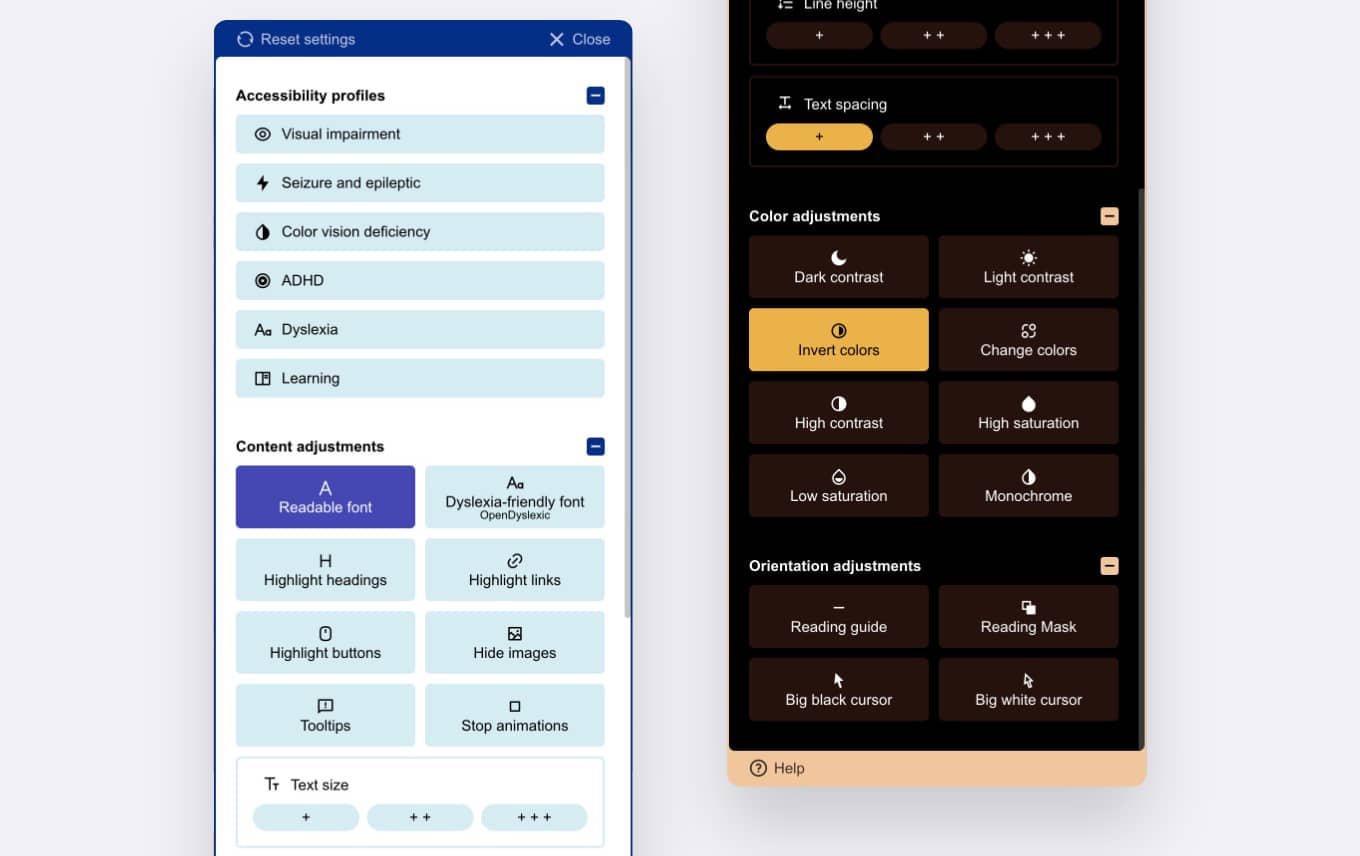
Help every visitor access your Moodle website comfortably. The built-in accessibility widget lets users customize contrast, colors, fonts, text size, spacing, and navigation according to their individual needs. Everything works across your Moodle website without installing extra plugins.
Key benefits
Make your Moodle website more accessible and inclusive by giving every learner the ability to personalize their browsing experience.
Inclusive learning
Help learners with different accessibility needs comfortably access your Moodle website.
Reduce accessibility costs
Replace costly external accessibility tools with an integrated solution included in your Moodle theme.
Built into New Learning
Get accessibility features ready to use immediately after installing the theme. No additional plugins, setup, or external services required.
Ideal for:
Schools, universities, training providers, businesses, and public organizations that want to improve accessibility and provide a better experience for every learner.
Content and reading adjustments
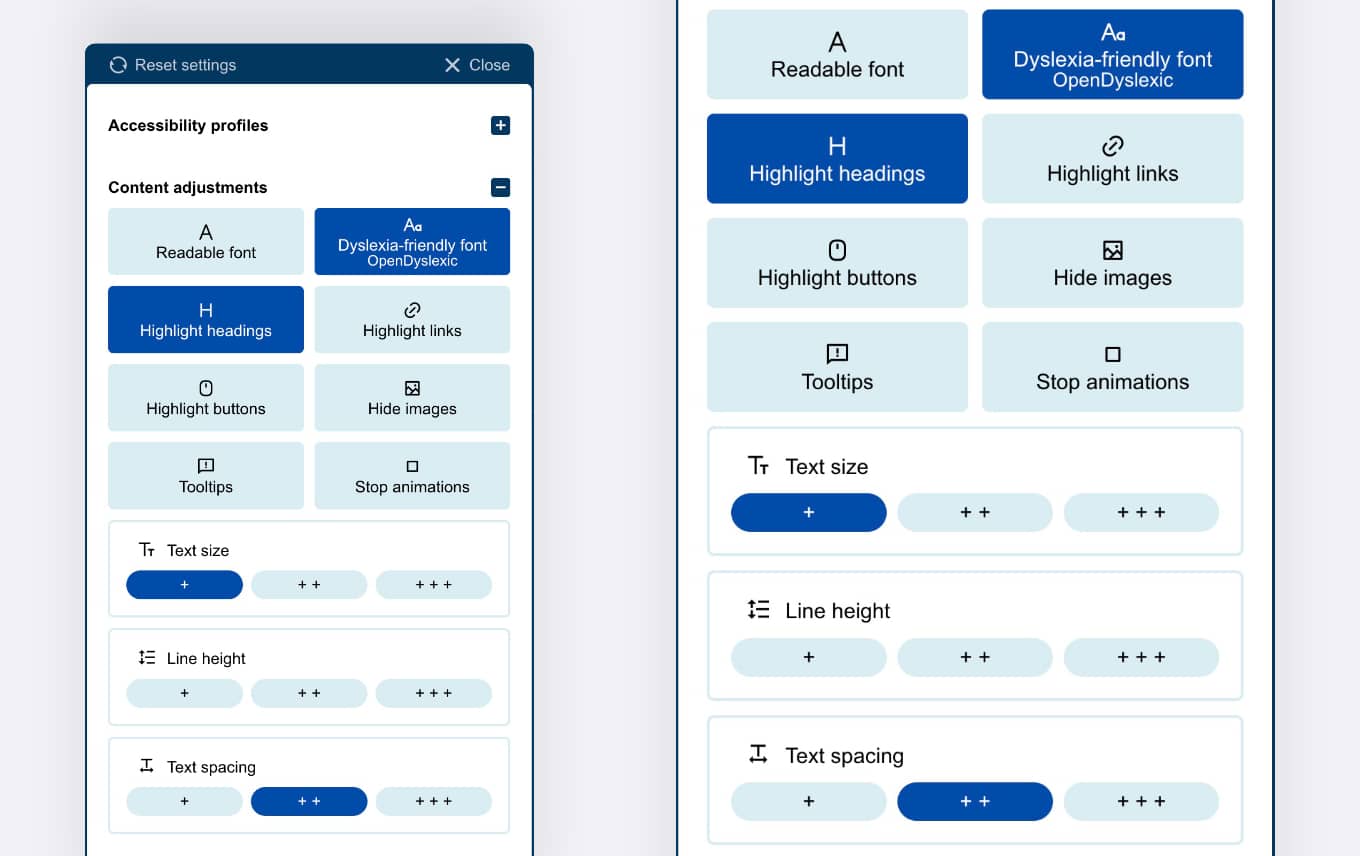
Help users customize how content is displayed with tools designed to improve readability and focus.
Readable content
Adjust fonts, text size, line height, and spacing for a more comfortable reading experience.
Improved focus
Highlight headings, links, and buttons or remove visual distractions such as images and animations.
Dyslexia-friendly fonts
Enable readable fonts, including OpenDyslexic, to support users who benefit from alternative typography.
Dark mode and color adjustments
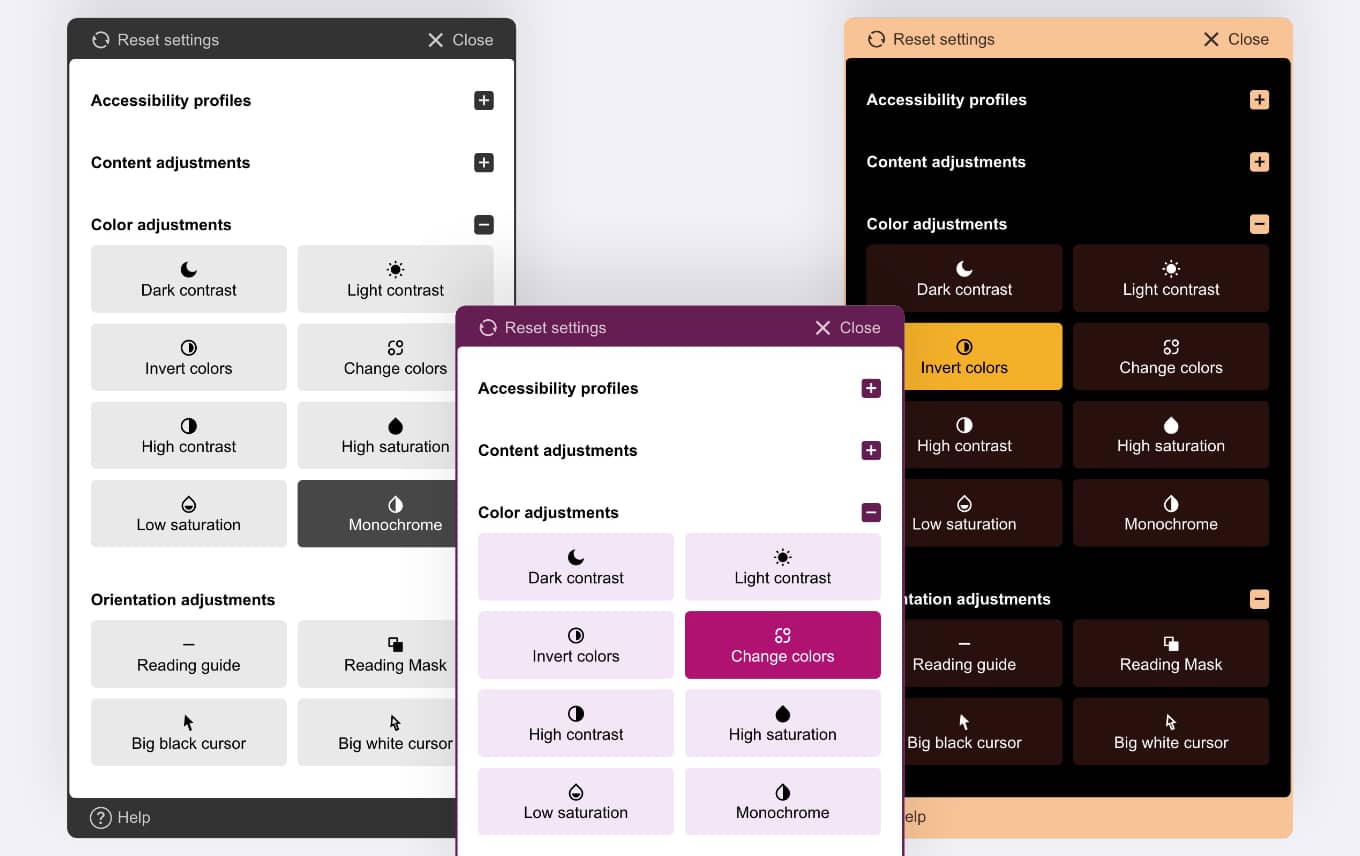
Adjust Moodle display settings with dark mode, high contrast, inverted colors, custom colors, and saturation controls to improve readability and accessibility.
Dark and light contrast
Switch between dark contrast and light contrast modes for better readability in different environments.
Color customization
Adjust Moodle colors with inverted colors, custom color changes, and high contrast settings.
Saturation and monochrome
Control color intensity with high saturation, low saturation, or monochrome display modes.
Accessibility profiles
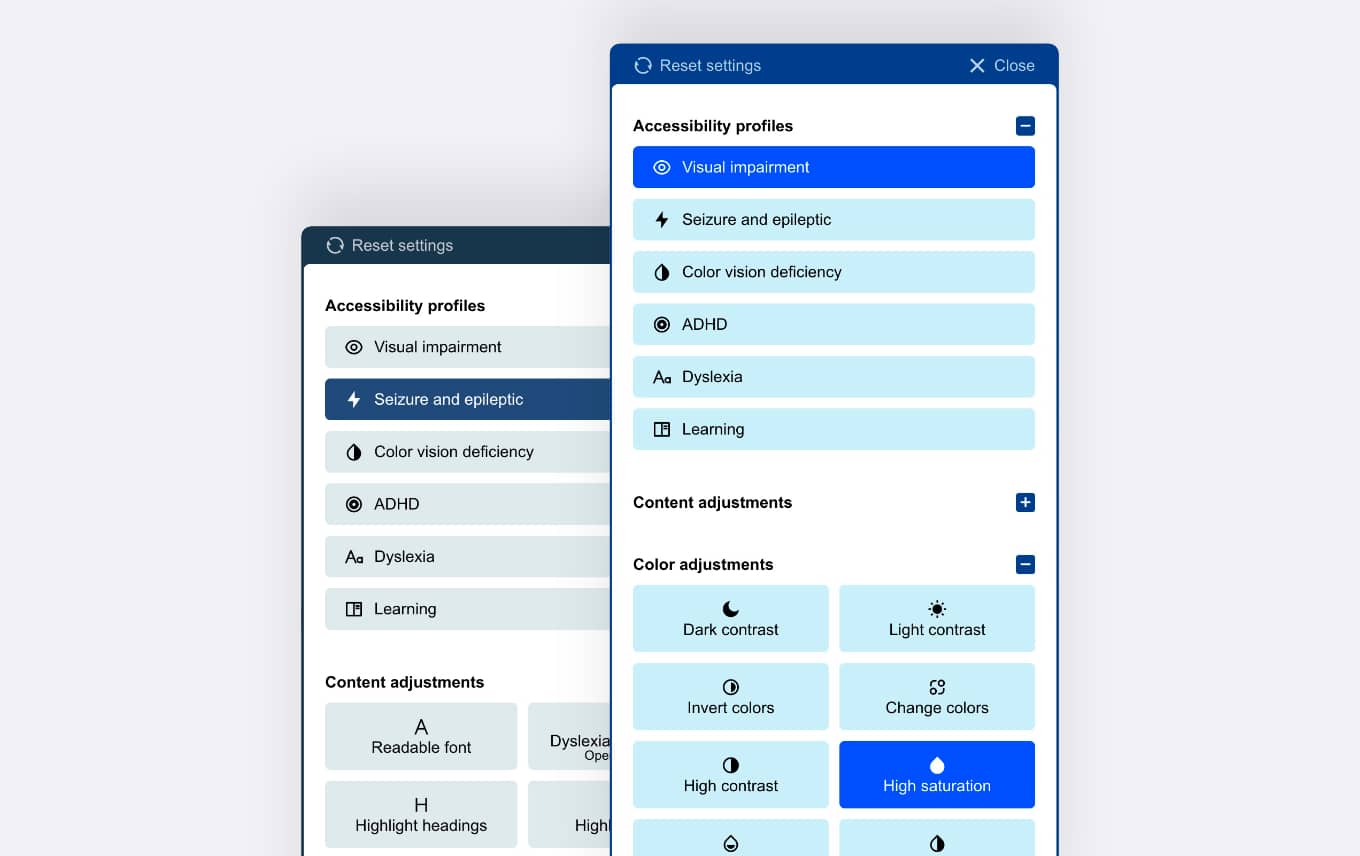
Provide ready-made accessibility profiles that help users quickly adapt Moodle to their individual needs.
Visual accessibility
Improve readability and navigation for users with visual impairments through personalized interface adjustments.
Cognitive support
Create a more comfortable learning environment for users with dyslexia, ADHD, and other learning needs.
Seizure safety
Reduce visual distractions and motion effects for users sensitive to animations and flashing content.
Real user feedback
...The fact that the accessibility tool is a core feature that requires no additional set-up is huge and a massive upgrade to what I had before...
Built with accessibility standards
New Learning follows Moodle coding standards and includes accessibility improvements that support a better experience for all users.
Keyboard navigation
Navigate Moodle websites and course content using the keyboard without relying on a mouse.
ARIA support
Improve screen reader compatibility with Accessible Rich Internet Applications (ARIA) attributes.
Accessible by design
All elements created with the Live Page Builder are prepared with accessibility in mind.
Explore all New Learning features
Explore all features included in the New Learning Premium Moodle Theme, from website building and accessibility tools to advanced learning experiences.
-
Live Page Builder for Moodle
Create professional Moodle pages and websites without coding
-
Web Accessibility Widget for Moodle
Improve Moodle accessibility with built-in user customization tools.
-
Advanced course filters
Improve Moodle course discovery with fast AJAX-powered filtering and custom field support.